Policy officer
1 DRAFTING POLICY
Gillen - Planning Policy Officer
Gillen is working on drafting a policy at his desk.
He can view the local plan chapters, which are based on a review of the previous plan. For each chapter, he can see a 'brief' of description of what the LPA wants to achieve with their new policies.
He has selected the Housing chapter and is starting to draft policies within it. Before he starts drafting, he selects the evidence sources he thinks will be relevant to Housing policy.
He needs to understand the key conclusions and recommendations of the evidence so that he can develop these into policy options. He also needs to connect evidence to policy so that anyone reading the policy later can see the full context. When he's written his first draft, he needs to save a dated version that can be published for review or consultation.
Process
Officer imports adopted plan and views chapter structure. Team adds, amends or resolves chapters
The team sets brief for each chapter
The team leader allocates chapters to different policy officers
Officer opens his chapter and creates a draft list of policies
Officer selects evidence sources to add to his working space
Officer drafts policy, checking against evidence, consultation and NPPF as he goes

Vision
Gillen can draft policy while viewing relevant evidence and NPPF requirements. He can link this evidence to his policy as he’s drafting, so that anyone can see what evidence he’s used. He can share or publish his draft at any point and capture the version that’s been shared, alongside any changes or notes.
View policy drafting prototypes
Policy officer
2 DRAFTING RESPONSES
Amira - Planning Policy Officer
Amira is at her desk, drafting responses to submissions to the consultation on the proposed local plan.
Amira needs to check through previous responses to a particular consultee to find out if they've submitted before and to ensure that her responses are consistent. In some cases, she'll need to refer to a specific piece of evidence.
She wants to see the most common issue and create a standardised response, then add this to multiple representations at once. She needs to make sure she responds to everyone, consistently.
When she's finished, she'll create a consultation summary statement to publish on their website.
Vision
Amira can view the history of responses given to a single consultee or grouped by theme, to check consistency. She can bulk respond to consultees, rather than having to manually cut and paste responses line by line.

Process
Officer filters responses by consultee (she can also filter by theme, site or other criteria)
She clicks on a consultee to see their response history
She views the consultee’s current comment, broken down by theme. She can view all other reps relating this theme
Officer imports adopted plan and views chapter structure. Team adds, amends or resolves chapters
She selects all comments that raise the same issue, then allocates a standardised response to all in one action
Officer saves her responses, updates the standard response if needed, and sends for review
Local Plan Examiner
3 EXAMINING PLANS
Jon - Planning Inspector
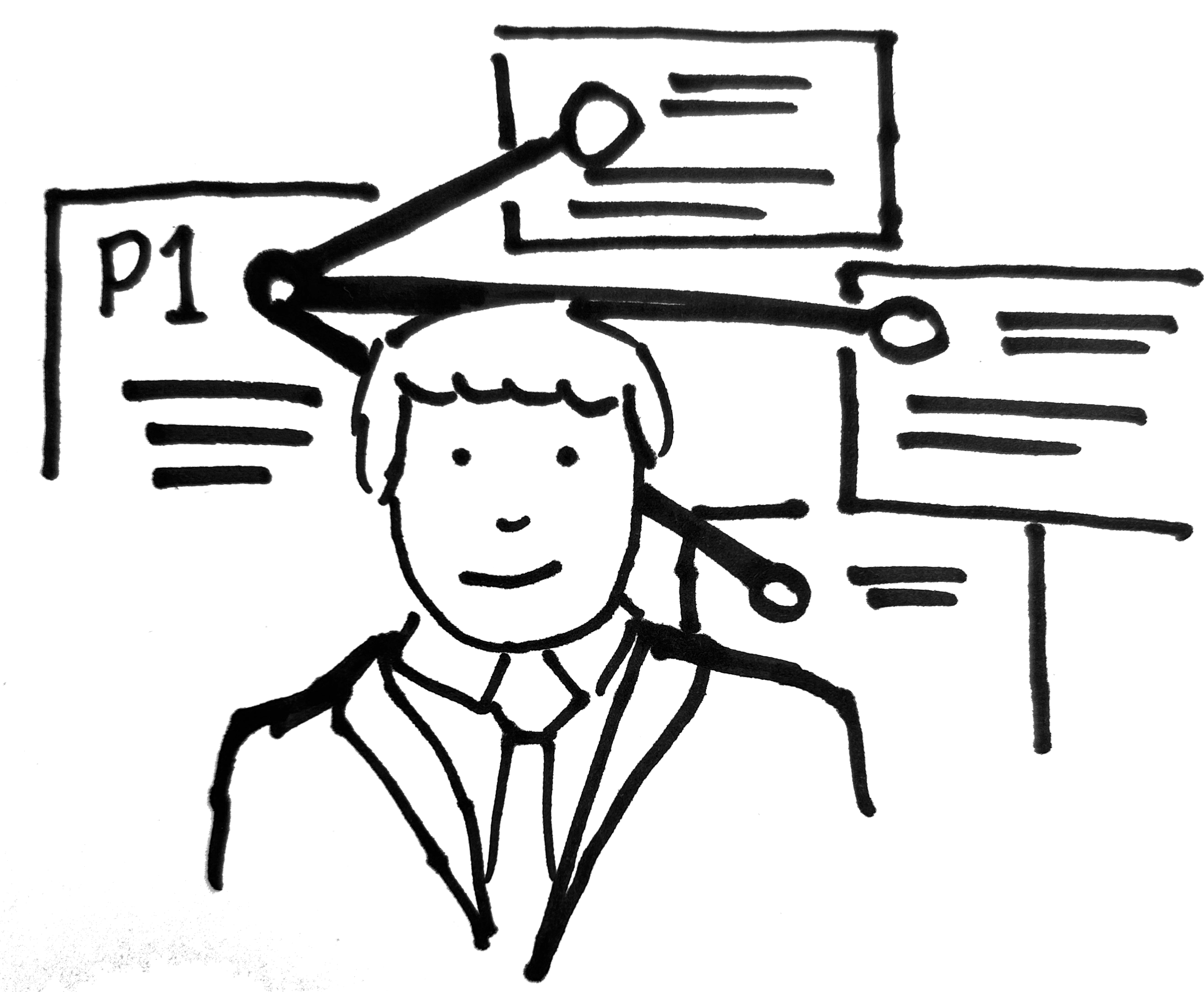
Jon has been assigned to examine a plan for a local authority. He is sent a link to the connected plan portal where he can access the plan and see all the connections for each policy.
Jon needs to read and understand all of the submitted materials, the plan, the evidence base and the consultation materials. He needs to identify how all of the materials relate to the plan and are evidence that the plan is sound.
Jon needs to be confident that he understands where the gaps are in the plan and wants to prepare questions to clarify or explore any issues he finds with the plan.
Process
Jon is looking at a local plan
He clicks on a policy in the housing chapter
Alongside the policy he can see all the linked evidence, comments and NPPF/SDS sections
He can click on any of the links to view the source material
Vision
Jon can open any policy and view specific evidence, comments and national requirements that has informed that policy. He can also see narrative from the planning officer explaining how inputs have been balanced in the policy outputs.
Local Plan Examiner
4 CHECKING PROGRESS
Zara - Planning Inspector
Zara has been assigned to do a gateway 2 visit for a local authority. She has a few days to spend with the team to understand the progress of the plan and to help them check their approach and progress.
Zara needs an easy way to get an overview of the activities undertaken to date, the direction of the plan and individual policy areas as well as the expected remaining work in each area.
Zara needs to be able to move from a high-level view into seeing the detail of specific sections as well as making comments or asking questions at relevant points.
Process
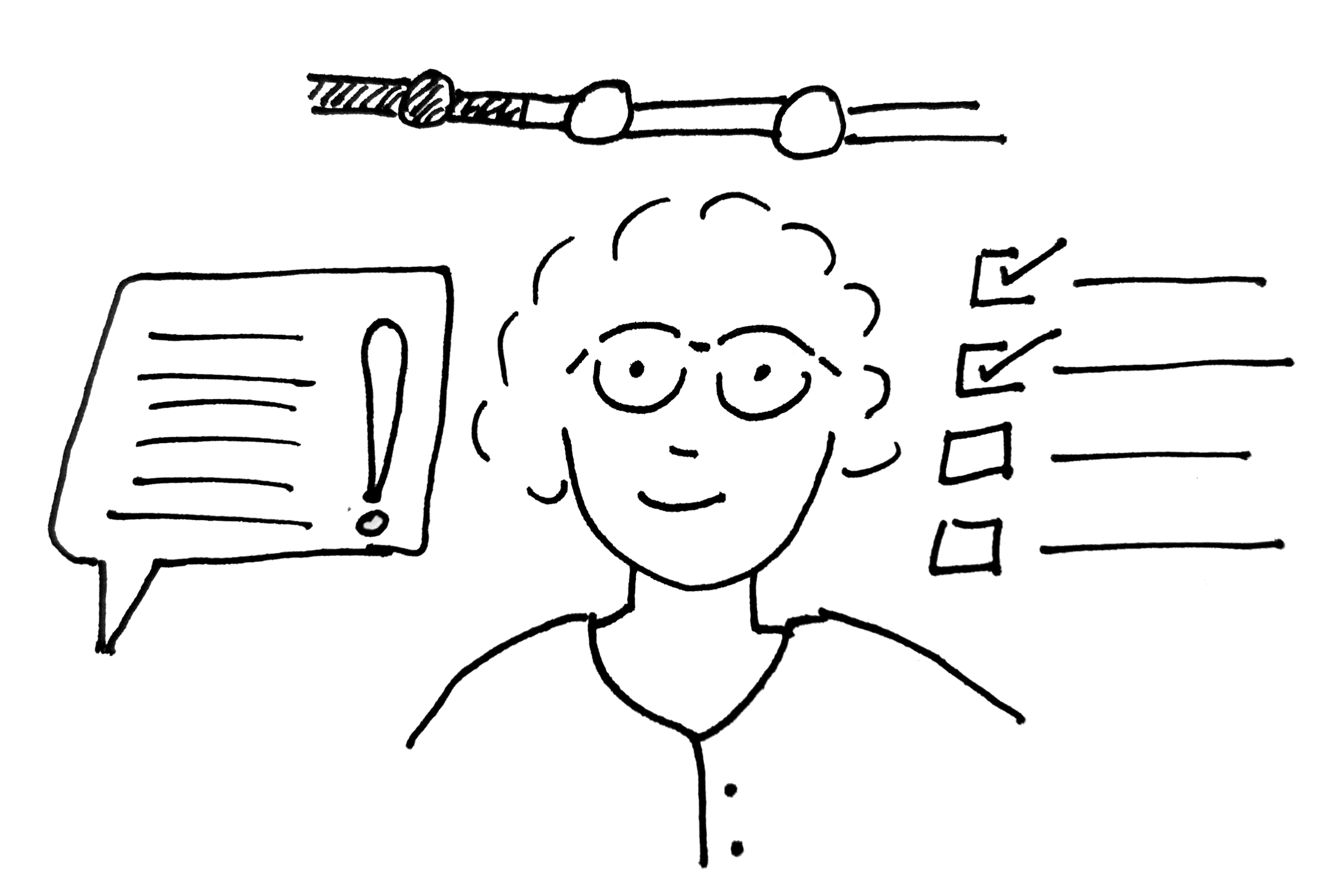
Zara is able to look at the local plan progress
She clicks on a policy chapter
She can see the relevant work done, and remaining
She can make a comment or question against a section
Vision
Zara can look at the overall progress of the plan and navigate into a specific area to see the work done, the work planned to be done and make comments and suggestions based on her professional opinion.
Development Management Officer
5 UNDERSTANDING POLICY
Helen - Planning Officer (DM)
Helen is assessing an application for change of use from an officer to co-living and is not sure if the evidence submitted by the applicant is sufficient to contradict a policy which discourages this.
She needs to understand the evidence and justification for the policy to assess the claims of the applicant. She needs to make sure the policy is correctly applied.
Process
Helen looks at a particular policy
She can access relevant evidence and policy officer justification
Using this she can assess the applicants claim
Helen is supported to have conversations with the applicant to make the proposals acceptable
Vision
Helen can easily access the justification, background and evidence for the policy to help her understand how to apply the policy and progress the application. This might help discussions with the applicant to highlight how the proposal can be made acceptable.
6 - Deep search of policy (WIP)
Helen, Development management officer
Helen is assessing an application for something the local authority receives few applications for and needs to find all the relevant policies. She is unable to draw on her prior knowledge or copy a previous example.
She needs to find the relevant policies, sections of the London Plan and NPPF as well as what is included in any neighbourhood, mineral and waste or other plans.
Vision
Helen can search using the description to find relevant policy (NPPF, SDS and Local Plan)for various themes that are present in the description.
Process
Helen opens the policy search
She pastes in the description
All relevant Local, SDS and NPPF sections are shown to here organised by theme
Helen can export relevant references for use in her assessment
5 - Consistency of interpretation (WIP)
Jair, Development management officer
Jair is a graduate development management officer. She is assessing an application which relates to a policy she is unfamiliar with.
She needs to understand how this policy has been assessed before so she can interpret it in a way that is consistent with previous assessments.
Vision
Jair can click on any policy and see reports which mention it. She is able to filter it to show the most relevant applications to her case.
Process
Jair clicks on a policy in the plan
She can see all assessments which assess against that policy
She can filter by application type and context
She can extract relevant assessment chunks to help her draft a consistent assessment